Can rental companies track their boats?
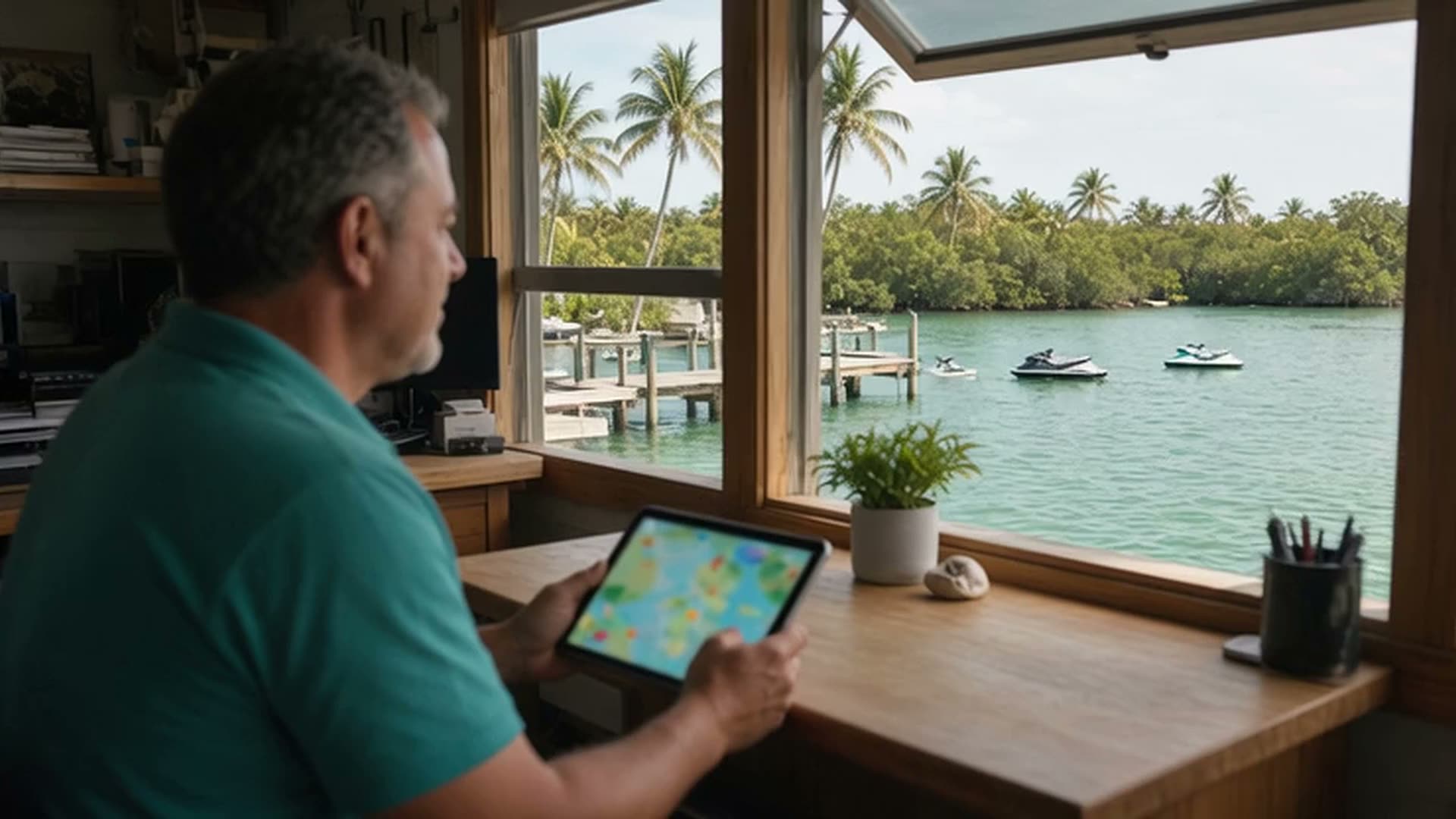
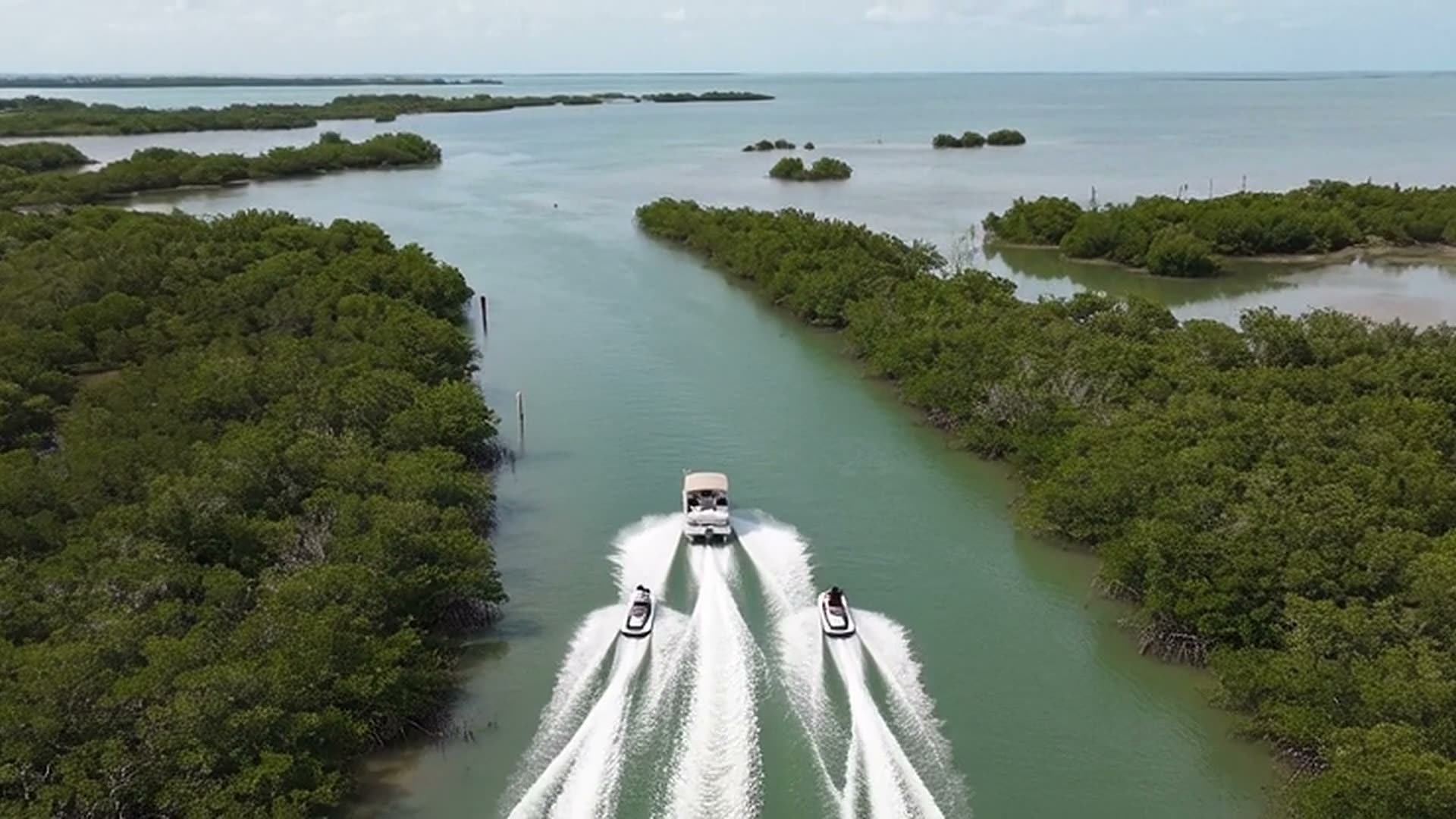
Yes, and you can set it up yourself. Add your craft and draw your ride zone, then tell the Fleet Captain who's riding: it makes the renter's ride link with the craft, time and riders filled in, and the renter taps Start on their own phone. You see every active rental on a live map with ride-zone, speed, overdue and no-signal alerts, can ask the Fleet Captain where a craft is and roughly how much fuel it has, and can message renters. Try it free for 14 days, no card needed.
Do my renters need to download an app or make an account?
No. They open the ride link (or scan your check-in QR code) in their phone's browser, check their details and tap Start. No account and no download. Renters with the Android app also get push messages from you, and every message lands in their chat with you either way.
What happens if a renter's phone dies or loses signal?
If a craft stops reporting for 10 minutes you get a “stopped reporting” alert, so you can check on them or message them. Phones pause location sharing when the screen locks, so the ride page asks renters to keep the map open while they ride; in the Android app tracking keeps going with the screen off.
Can I set where renters may go, and how fast?
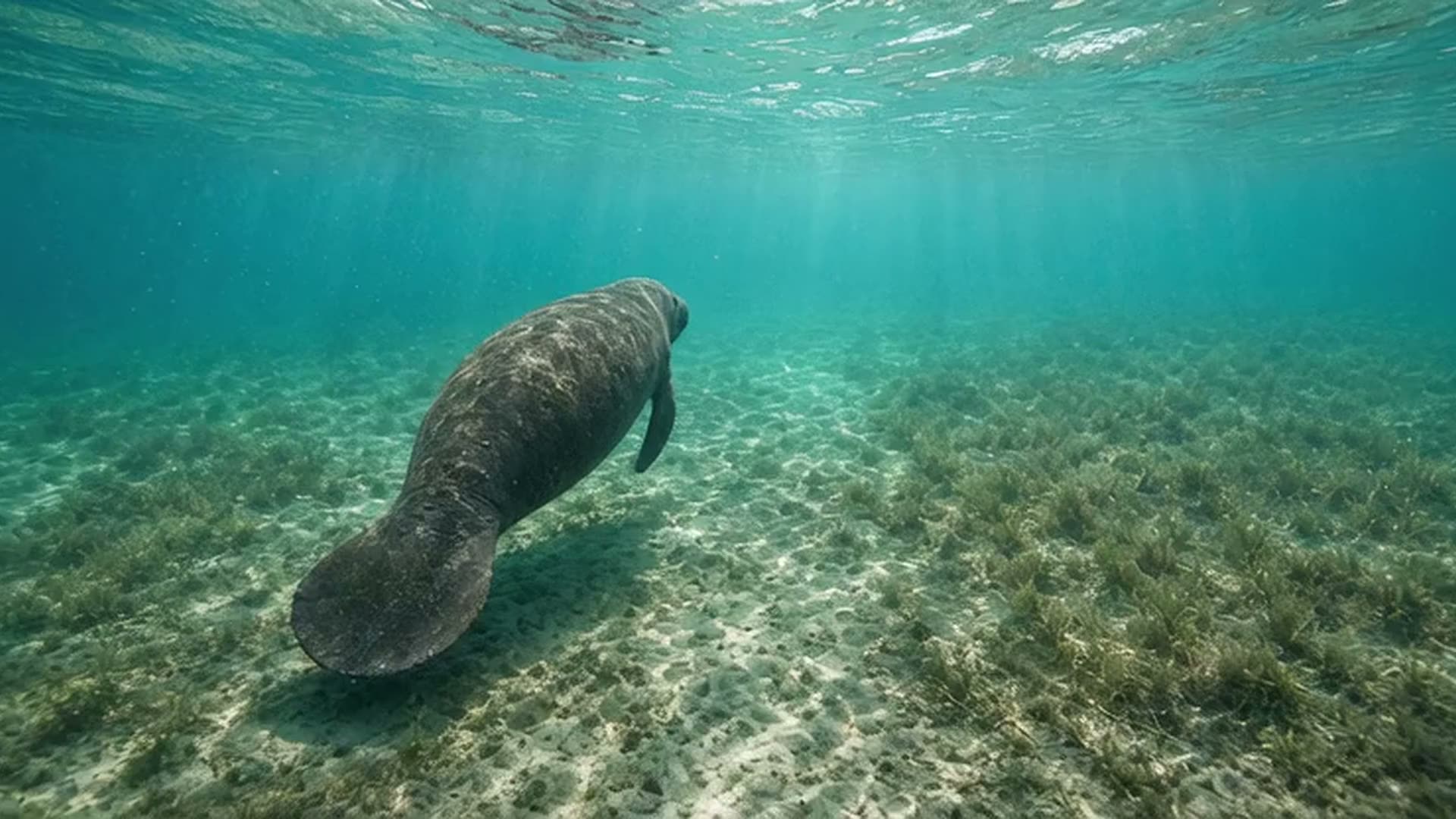
Yes. Draw ride zones on the map as circles, boxes or exact outlines, or a band along the shoreline (stay within, or stay away from, so many feet of shore). Each zone can be a stay-in or keep-out zone with its own speed limit, alert channels and extra people to notify. Renters also get the free manatee-zone alerts, so they hear about posted speed zones before they reach them.
Who gets the alerts, and how?
Alerts go out by email and as push notifications to your phone in the Android app (signed in, with fleet alerts on), and the live map can sound an alarm. Each zone can add extra emails. Renters get their own heads-up when their time is nearly up. Text messages work once your business's text service is connected.
What can the Fleet Captain do for me?
Ask it in plain English. It sets up and changes ride links (one renter or a group sharing one timer), messages one renter or everyone out, ends a rental, adds craft and their fuel settings, changes a zone's speed limit and alerts, and checks the marine forecast, lightning and rain near your dock and every craft out. Drawing a zone's shape, your dock location and billing stay on the rental page, and it tells you exactly where to tap.
How accurate is the fuel estimate?
It's an estimate, not a sensor: a full tank at departure, burned at the rate you set for each craft over the time it's been out. Set each craft's tank size and burn (jet skis start at 18 gallons and 4 gallons an hour) and the low-fuel alert follows that.
Can I change plans or cancel?
Plans are priced by how many craft you run and billed monthly, with no contract. Upgrade from the rental page when your fleet grows, and manage or cancel your billing from the same page any time. The first 14 days are free and need no card.
I run a marina, bait shop or rental business. How do I get listed?
A featured listing is $39 every 30 days, with a logo, photos, contact buttons and your own Passport stamp on the map. It renews automatically until you cancel, and you can cancel any time from your private management link. Find your business or add it by address on the list-your-business page.